
If you've been hearing more about agentic AI lately, you might be wondering what the heck people are even talking about.
What does an AI agent do all day? What kind of work can you give it? And how is any of this different from opening ChatGPT and asking it for help? Those are all fair questions.
In our previous post, we explained what agentic AI is and why it's different from the AI tools most people use today. Long story short, agentic AI helps you do tasks from start to finish.
But that's still a little hard to picture. So instead of spending another article explaining how the technology works, we thought it’d be more useful to show you what people are using it for.
Here are seven examples, using some of the AI workers we've built at Gambit.
1. Handling Freight Paperwork
If you work in logistics, you know there’s a ton of paperwork involved in moving something from one place to another. There’s also room for error.
Load documents come in through email. Someone has to open them, read through everything, check dates and quantities, compare the information with the original order, enter everything into another system, and figure out what happened if something doesn't match.
Doing that once might not be a big deal. But doing it hundreds of times a day certainly is. And this is exactly the kind of job an AI worker can take over because most of the process follows the same routine every time.
At Gambit, we built Fleet to handle load confirmations for logistics teams.
When a load comes in, Fleet reads the documents using AI vision, pulls out the information it needs, and checks everything against the order. If all the details match, it confirms the load and updates the company's system. If something is wrong, like one document saying the pickup is July 8 and another saying July 9, Fleet flags the problem so a human can step in and take a look.
Fleet now processes hundreds of loads a day for Logistics Alliance and handles an average load in minutes compared to weeks.
Time and efficiency are major benefits, your team doesn't need to spend all day checking paperwork that follows the same process over and over and over again. They can focus on the loads where something has gone wrong and a person needs to get involved.
2. Finding Companies to Buy
Finding a company you might want to acquire takes a surprising amount of homework.
Someone has to search for businesses that fit what you're looking for, figure out who owns them, research those owners, check whether the company fits your criteria, find contact information, and eventually reach out. And after doing all of that, the owner might not even be interested in selling.
So deal teams can spend a massive amount of time researching companies before a conversation ever happens.
We built Bogan for Spearhead Corporate Development to help with that process.
Bogan looks through public information to find companies that match what a buyer is looking for. It researches who owns them, checks that information across multiple sources, and helps with the first outreach.
For Spearhead, Bogan checks every owner across at least six sources before they are contacted. That means the deal team can start with a researched company and verified owner instead of spending hours getting to that point themselves.
It's a really good example of where these AI workers can be useful.
Because yes, the valuable part of someone's job might be talking to a business owner and deciding whether there's a deal worth pursuing. But spending a few hours figuring out who that owner is probably isn't.
3. Answering Questions for a Town
Think about how many questions a town or city gets every day.
Where can I park? When does this event start? Is this road closed? Who do I talk to about a permit?
Someone has to answer those questions. And if you're the person asking, you probably don't want to dig through five pages of a town website or sit through a phone menu just to find out where you can park.
We built Chloe for this kind of job.
Chloe is a voice concierge currently being used by the Town of Vail, Colorado. Residents and visitors can call and ask a question the same way they would ask someone working at the town.
From there, Chloe looks through the town's own records and systems to find the answer. She can also pull information that changes throughout the day, like parking availability and local events. So if someone calls asking where to park near Vail Village, Chloe can check the live parking feed and tell them which lot has space and how far the walk is.
She can answer by voice in more than 50 languages and even switch languages during the same call. And if someone asks something that needs a town employee, Chloe can send it to staff with the context from the conversation attached.
She's available 24/7 too, so residents and visitors can still get answers after town staff have gone home for the day. Chloe is voice-first, but the same system can answer questions through text and web as well.
For Vail, that means staff spend less time answering the same questions over and over. For residents and visitors, it means they can ask a question and get an immediate answer without having to figure out which department to call first.
4. Finding New Business for Hotels
Hotel sales teams spend a lot of time looking for reasons people might need rooms.
Maybe there's a construction project happening nearby and the company needs somewhere for its crews to stay. Maybe a business is opening a new office in town. Maybe there's an event coming up that will bring a large group into the area.
Those can all turn into business for a hotel, but someone has to find them first. Traditionally, that means salespeople spending hours researching what's happening nearby, finding the right contacts, sending emails, and keeping track of everyone they've reached out to.
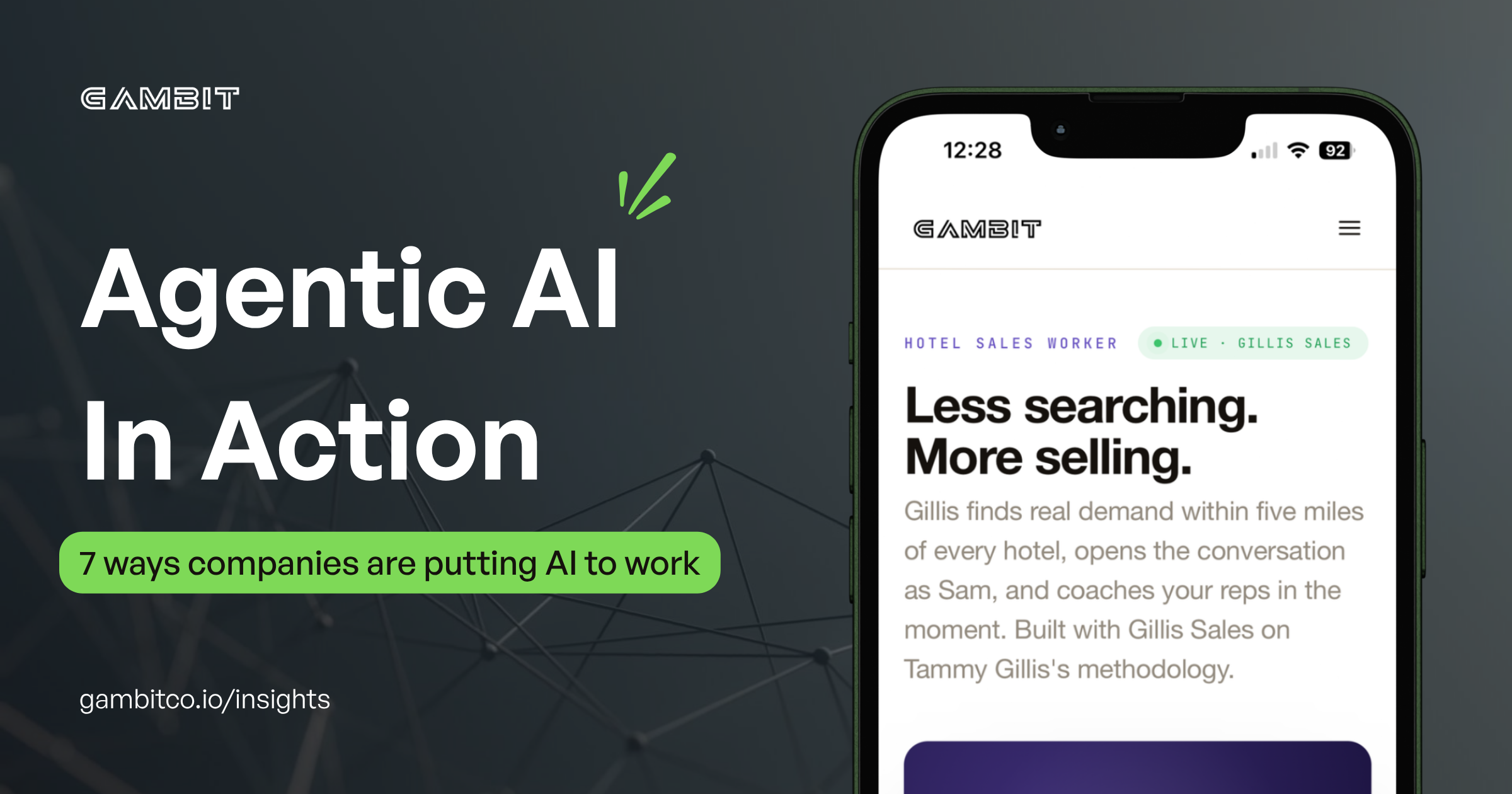
We built Gillis to help hotel sales teams with that work.
Gillis searches for signs of demand within five miles of a hotel and helps find potential customers based on what's happening nearby. When it finds an opportunity, an AI sales coordinator named Sam can send the first outreach, start the conversation, and bring in the right person on the team when it's time to take over.
Then the salesperson can spend more of their time talking to people who have a reason to book rooms.
Gillis can also help sales reps prepare once those conversations start by suggesting questions, helping them think through objections, and giving them a way to practice before a call. The system was built around Tammy Gillis's 28 years of experience in hotel sales.
AI in sales doesn't have to mean asking ChatGPT to write a cold email. The bigger opportunity is helping your salespeople find better people to email in the first place.
5. Keeping a Deal Moving After the LOI Is Signed
Signing a Letter of Intent feels like a big step in a deal.
Then the due diligence starts.
Suddenly there are documents coming from everywhere. Lawyers and accountants need information, someone is waiting for a file from someone else, questions are being sent back and forth, and somebody has to keep track of all of it. Basically, a lot of expensive people's time can end up being spent chasing documents and sending status updates.
We built Dealio to help handle that part of a deal.
Once an LOI is signed, Dealio can create a checklist based on the agreement, keep track of what needs to be collected, send requests, and follow up when something is still missing. As documents come in, it can read through them and flag anything the deal team should look at more closely.
The lawyers, accountants, and deal leads are still there to make the important decisions. They just don't need to spend as much of their time asking where that spreadsheet went.
And if you've ever been part of a long email chain where five people are trying to figure out who owes who a document, you can probably see the appeal.
6. Doing the Research Before a Call
Let's say you have an important call with a company tomorrow. You want to understand the business before you get on the phone. So someone starts researching.
They look through company records, search for news, check filings, look into ownership, try to verify important numbers. Then they pull everything together into something useful for the person taking the meeting.
That research matters. It can also take up half of the day.
We built Mira to do that homework.
Give Mira a company or market and it searches for the information the team needs, checks what it finds, and puts everything into a one-page brief. Each claim includes a source so the person reading it can see where the information came from. And if there isn't enough evidence to support something, Mira flags that too.
AI can be very convincing when it's wrong. The last thing you want to do is to walk into an important meeting with a beautiful research report full of information nobody bothered to check.
With Mira, the goal is to give someone the research they need to walk into the conversation fully prepared, without another person spending hours putting the brief together.
7. Handling the First Customer Conversation
Customers have a lot of ways to contact a business now. They can call, email, text, or use the chat tool on your website.
And the reason they're reaching out could be anything. Perhaps they want to know where their order is. Maybe they're having a problem or maybe they want to buy something and have a few questions first. Regardless, someone has to figure out what the customer needs and what should happen next.
We built Jericho to handle that first conversation across web, text, phone, and email.
If someone has a common support question, Jericho can answer using the company's own information. If the problem needs a person, it can pass the conversation over with the details already attached so the customer doesn't have to explain everything from the beginning. It can also recognize when someone reaching out is interested in buying.
For companies like Bobit Business Media and Geotab, Jericho can ask potential customers about what they're looking for and use those answers to put together a proposal. That can turn several days of emails back and forth into a much faster conversation.
And your team can spend more time helping the customers who need them instead of sorting through every message that comes in.
So, Where Could This Work in Your Business?
These examples come from very different industries, but there's a reason the same kind of technology can help with all of them.
A lot of work inside a business follows a process (a routine if you will).
An email comes in, someone reads it, they look something up, they copy information into another system, they make a decision based on a few rules. Then they send something to the next person.
When that happens a few times a month, it's probably not worth worrying about. When it happens hundreds of times a day, things get more interesting.
So if you're trying to figure out where agentic AI could fit into your own business, you don't need to start by learning about AI. Start by looking at the work.
- Where is your team spending a lot of time doing the same thing over and over?
- What work requires someone to constantly move information between emails, documents, spreadsheets, and other systems?
- What tasks does everyone on your team wish took less time?
Those questions tend to be much more useful than asking which AI tool you should invest in.
At Gambit, we call these systems AI workers because they're built around jobs that already exist inside businesses. The examples above are seven of them, but the bigger idea is figuring out where this approach makes the most sense for the way your business works.
The truth is, you probably don't need AI everywhere. But there may be a few key places where your team is spending hours on work that doesn't need to take hours anymore.
And that's a heck of a good place to start.
If you're curious what that could look like in your business, let's chat.
